
A welcome and practical information
The wifi code, the opening hours, the way to the meeting room or the lift. The things people would otherwise ask about.
More about digital wayfinding →A display works when it shows what people in that spot want to know. Here you’ll find ideas for your content, and how to make it and keep it current without it becoming a full-time job.
Try Team for 14 days. No payment details needed.
Start with what someone standing in front of the display wants to know. It usually fits one of these six.
The wifi code, the opening hours, the way to the meeting room or the lift. The things people would otherwise ask about.
More about digital wayfinding →Timetable changes, train and bus departures, which meeting room is free and the weather. Apps fetch it for you.
Timetable changes from Zermelo →The menu with prices, this week’s promotion or a QR code to your online shop. Breakfast in the morning, lunch from noon.
More about digital menu boards →New colleagues, birthdays, company news and posts from your LinkedIn page. People who don’t work at a computer see it too.
Digital signage for internal communications →Today’s output or this week’s sales. From Power BI, Google Sheets or a table in Lumicast.
Figures from Power BI →Holiday opening hours, a countdown to an event or a closure notice. You plan them ahead and they disappear on their own.
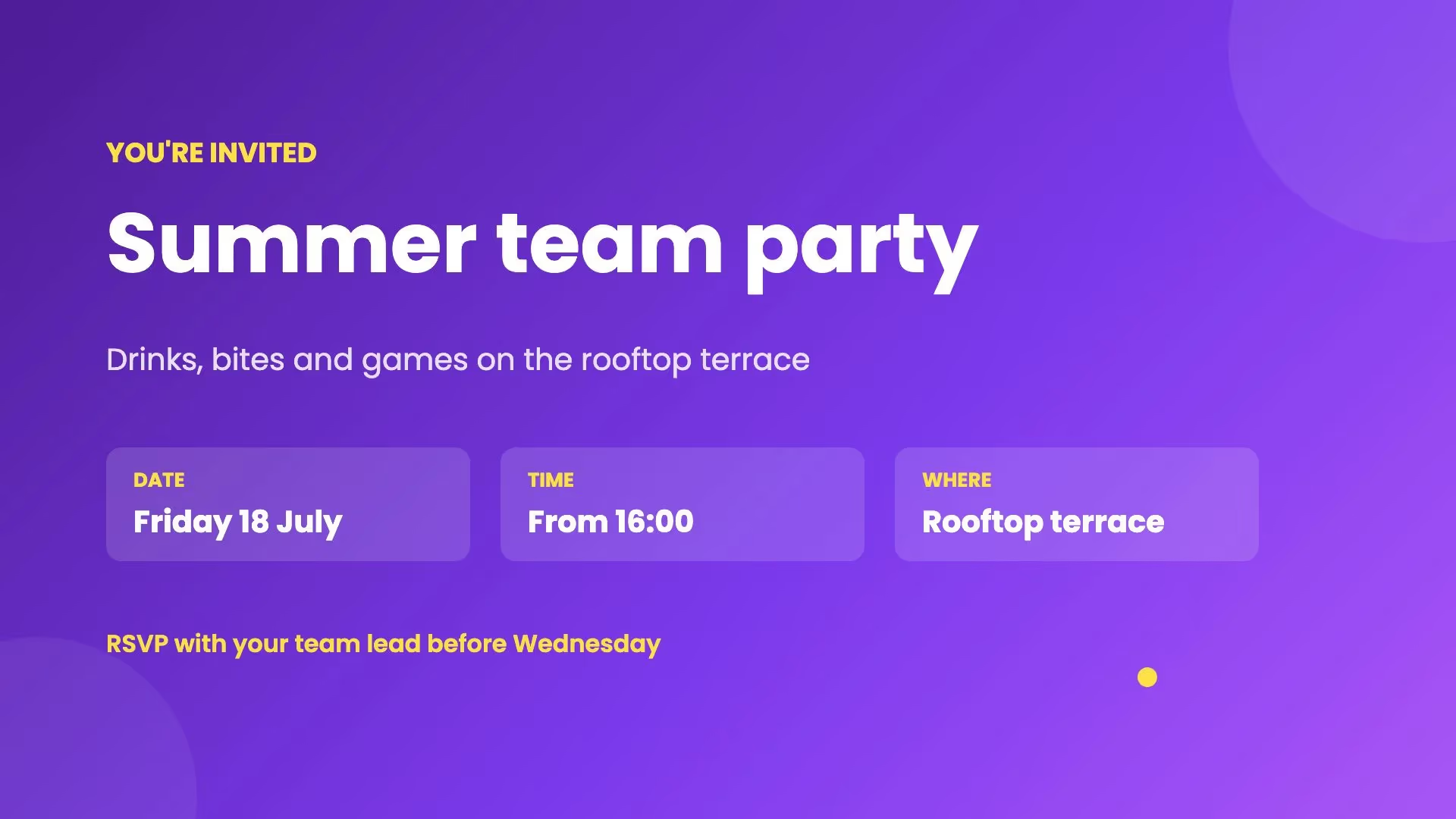
See the templates for the whole year →More than 130 templates, all in landscape and portrait. Pick one, replace the text and photos, and publish. A few examples:
You don’t need to be a designer. For each page, pick whatever is quickest.
Pick a template for your sector or the occasion, then change the text, photos and colours in the editor.
Build a page from scratch with your own fonts, photos and videos. The editor shows you straight away how it looks on the display.
Tell Lumi, our AI designer, what should be on the display. Lumi turns it into a page, which you can then adjust yourself.
Add photos and videos straight to a playlist. You can show a web page too.
Type what you want to show and whether the display hangs in portrait or landscape, or add a photo as an example. Lumi makes the page. You check the text and publish. Lumi is included in every plan, within fair use.
Lumi stays off until an owner turns it on, and owners and administrators can switch it off for the whole organisation. With Lumi off, nothing from your pages or prompts goes to Lumi’s AI providers.
Most of the work is in keeping things current. Leave that to apps: they fetch the information, and your display always shows the latest.
On your own pages too: type a / where a value should go and pick it from a data source.
Some apps and connections are part of Team. The apps page shows what each one needs.
Browse apps and integrations →A display with out-of-date information works against you. These keep it right.
Set the days and times each item plays. A promotion or temporary opening hours disappear on their own once they’re over.
A campaign plays between two dates on every display with the same tag. Let it come back every year, like your Christmas opening hours.
Turn a page into a template page and choose which parts can be edited. Colleagues fill in the fields and the layout stays as it is.
Keep a list in a Lumicast table, such as the menu or this week’s activities? Share an edit link. Anyone with it can change the rows without signing in, and you can stop sharing whenever you like.
Template pages for colleagues and tables are part of Team. Scheduling and campaigns are in Solo too.
People read a display in passing. Write for that.
Someone walking past reads a heading and perhaps one line. Put the rest on the next page.
The further people stand from the display, the larger the text needs to be. Check your page on the display itself, from where people look at it.
Give a page with more text more time. You set the duration of each item in the playlist.
In a waiting room people have time; at the entrance they don’t. Give a display its own playlist when the spot calls for it.
If your display hangs in portrait, use the portrait version of a template. Every template has one.
Nobody notices a display that always shows the same thing. An app with the weather, the news or departures means there’s always something new.
A display and a player. Many professional displays from Samsung, LG and Philips have the player built in. Otherwise you connect a separate player over HDMI.
From €17
Per display per month on Solo, billed yearly. For one user and one workspace with essential apps. Monthly billing is also available at €21 per display.
Team: €20 per display per month billed annually, or €25 billed monthly. For collaboration, multiple workspaces and more apps. All prices exclude VAT. Cancel any time, effective at the end of your billing period. Need a separate player? Our Pixie player is a one-off €150.
Compare plans →You do. With templates and Lumi you don’t need a designer. With Team, colleagues work with you, each with their own permissions, and they fill in template pages without being able to change the layout.
Not as a file. Lumicast plays images, videos, web pages and pages from the editor. Export your slides from PowerPoint as PNG images or as an MP4 video and upload those. Or rebuild the slides as pages, which makes them easier to change later.
Yes. Upload your video as an MP4 and add it to a playlist or a page. The video is stored on the display, so it keeps playing if the internet drops out.
Less than you might think. A few pages that are right work better than a long playlist nobody keeps up to date. Start with what people in that spot want to know, and add an app that updates itself, such as the weather or the news.
No. Lumi is included in every plan within fair use, including during the trial. If you use Lumi far more than usual, it pauses until the next month. Designing and editing yourself never counts.
Yes. You choose which playlist plays on each display or group of displays. With a tag you put one campaign on every display it belongs to, such as all the displays at the entrance.
Pick a template or ask Lumi, and connect your display with a pairing code.
Try Team for 14 days. No payment details needed.