Connect any source.
Build any screen.

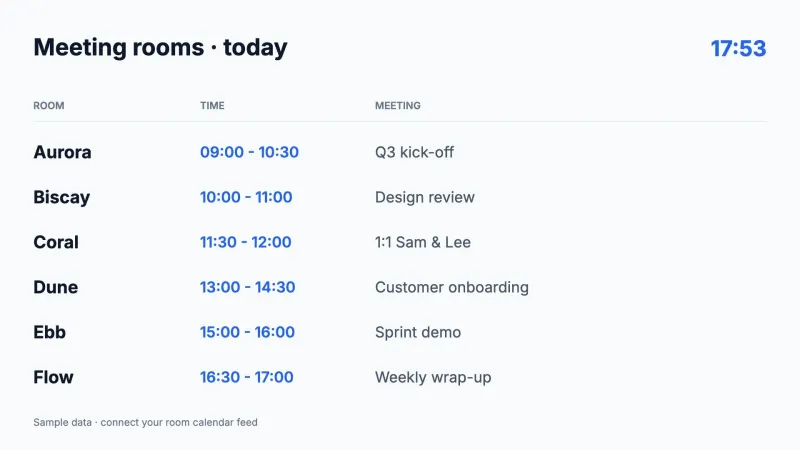
The digital signage platform that works like a design tool. Combine your content and live information, and build your screens exactly the way you want.

No payment details required.
Now servingA-204Consulting room 3
Waiting room
Barista's pickSpiced cappuccino€ 3.40
Café
Schedule changes · today
09:154H2Room B2
10:30V5ACancelled
13:003M1Ms. de Vries
School hall
app.lumicast.com/editor
Used by teams across the Netherlands and beyond
The page editor

If you can picture it,
you can build it.

Image
Playlist · 4

Every kind of content

Mix text, images, video, playlists and apps on one canvas.

Animations

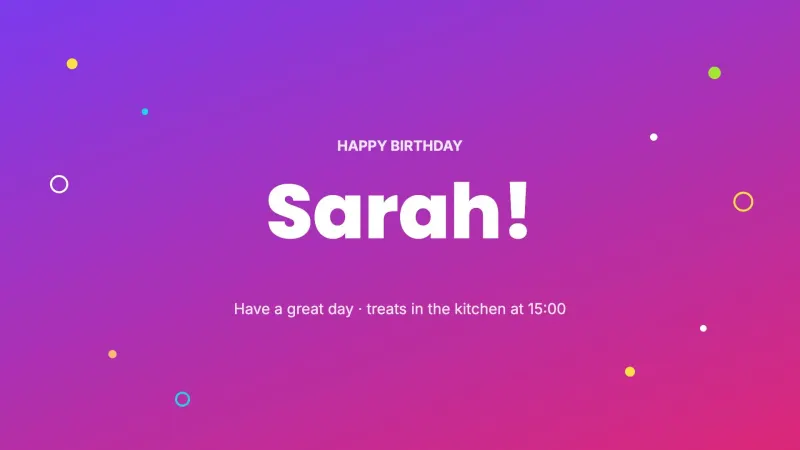
Bring your pages to life with transitions and moving elements.

Layers5
Heading
Logo
Weather
Snow warning

Design like a pro

Layers, groups, shapes, fonts and animations: everything you expect from a real design tool.

VISIBILITY CONDITION
WHEN
Temperature 43210−1−2−3°C
is below 0°C
Layer visibleOFFON
Snow warning
All clear

Conditional display

Bind any layer to a live datasource and it shows or hides itself the moment your data crosses a threshold.

9:16Portrait
16:9Full HD
16:94K UHD

Any screen, any size

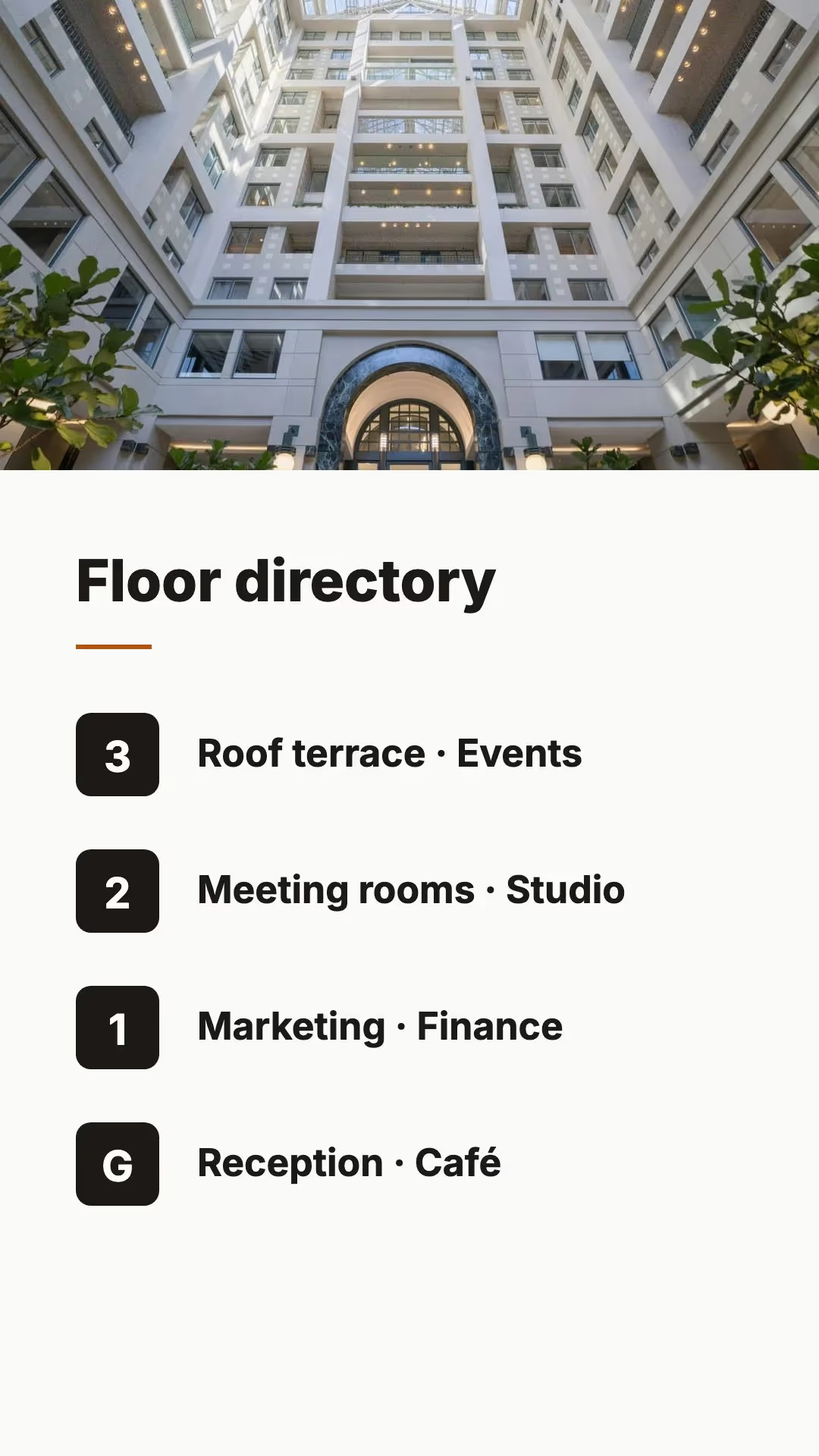
Design on a canvas that matches your display exactly, in any orientation or resolution.

Works where your team already works.

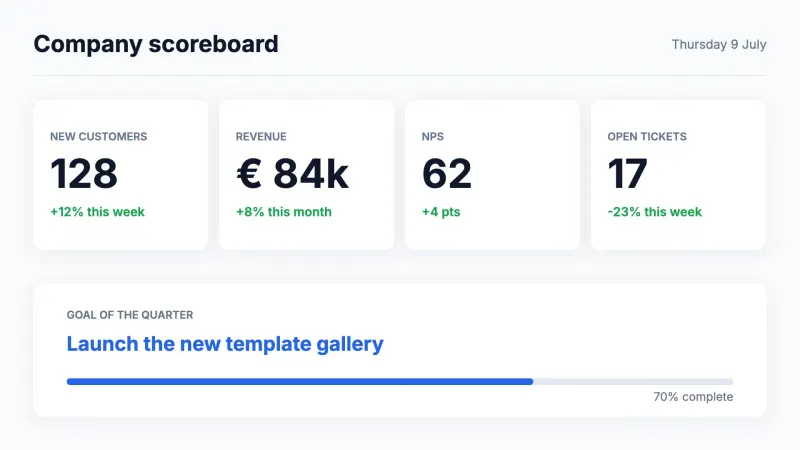
Bring in the tools your team already uses and put them on screen.

Explore all apps →
Microsoft TeamsGoogle CalendarJiraSharePointNSLinkedInYouTube
Live data in pages

Put live data anywhere, just by typing.

Type a slash anywhere in your text and pick a value to show. It updates on its own, so the page is always right.

app.lumicast.com/editor
Lumicast HQ
Reception · Ground floor
09:41
Tuesday, 8 June
Welcome

Good morning.

Welcoming today: /
Insert live data
@
Visitors expected
Reception · API
Lunch menu
SharePoint · List
%
Occupancy
Live · Sensors
WiFi Lumicast-GuestVisiting? Check in at the deskLunch 12:00 · Canteen
Hoorn
18°
Partly cloudyWind W 3 · Rain 10%
Today Google Calendar
09:30All-hands · Kaap Hoorn
12:00Lunch & learn · Bontekoe
15:00Customer visit
Trains from Hoorn running on time · 18° and partly cloudy · Visitors today: 124
One platform

Everything you need to run the fleet.

Three jobs, one place. Each built so you can operate hundreds of displays with the calm of operating one.

Remote fleet management

See every display and its status at a glance. Group by location, push changes, reboot or reassign, all without leaving your desk.

ON
Meeting roomSamsung Tizen
···
General playlist

Scheduling & planning

Plan content weeks ahead, down to the minute. Set start and end dates, recurring slots, and let the right thing appear on time.

Schedule date
Start date14/03/2025
End date30/03/2025

Offline playback

Content is cached on the device, so it keeps playing without internet. Every display also tracks its uptime, so you can see exactly when it was on or off.

EntranceOnline
Uptime7d
Plug & play hardware

Meet Pixie.

Our own media player. Plug it into any display, pair it with a code, and it’s live in minutes, managed from the same place as everything else.

Pixie media player
Runs on anything

Already have hardware? Good.

Lumicast runs on the devices and operating systems you already own, and right in the browser when you just want a display up now.

PixiePixieTizenTizenwebOSwebOSWindowsWindowsmacOSmacOSLinuxLinuxFire TVFire TVAndroidAndroidRaspberry PiRaspberry PiAny browserAny browser
Built for breadth

One platform, every kind of floor.

Education is where we go deepest, but the operator’s job is the same everywhere: the right information, on the right display, without the busywork.

Education

Class schedules, exam timetables, room changes and announcements, live on every hallway display and synced straight from Zermelo. Lightweight enough to run on a Raspberry Pi in every classroom.

Zermelo schedulesRaspberry PiMulti-campus
FAQ

Questions, answered.

Talk to our team →
Is it really free to start?
Yes. Create an account, connect a display and publish content without entering any payment details. Upgrade only when you need more displays or advanced features.
What displays and devices does it run on?
Our own Pixie player is plug-and-play, and Lumicast also runs on Tizen, webOS, Windows, macOS, Linux, Amazon Fire TV, Android, Raspberry Pi, and right in any browser.
What happens if a display loses connection?
Displays cache their content locally and keep showing the right thing while offline. The moment they reconnect, they sync to the latest version automatically. No blank screens.
Can I connect our own data and schedules?
That’s the core of it. Pull in live data, dashboards and feeds, and insert values inline with “/” datasources. Schools can sync class schedules directly from Zermelo with no manual edits.
How many displays can one person manage?
As many as you run. Group displays by location, push changes to your whole fleet at once, and see status across every site from a single view. Teams operate thousands on Lumicast today.
Is Lumicast available in Dutch and German?
Yes. The platform and support are available in Dutch, German and English, with customers across the Netherlands, Germany and English-speaking markets.

If you can design it, you can display it.

Bring your own content, pull in live data, and shape every screen down to the pixel.

No payment details required.