
Get the Lumicast player.
Run Lumicast on the hardware you already have, or plug in Pixie and go. Pair a device with a code and it's live in minutes.







A dedicated player image that installs and updates itself. One image covers every supported Raspberry Pi — flash it to an SD card and pair the Pi with a code.
3a4a78dcdfb9de04f63b5413edd1a551cf22e479fca7d84e33df27babb4cd649- The same image boots a Raspberry Pi 4 and a Raspberry Pi 5, so there is nothing to pick per board.
- Flash the .img.xz file exactly as downloaded with Raspberry Pi Imager or BalenaEtcher — there's no need to unpack it first.
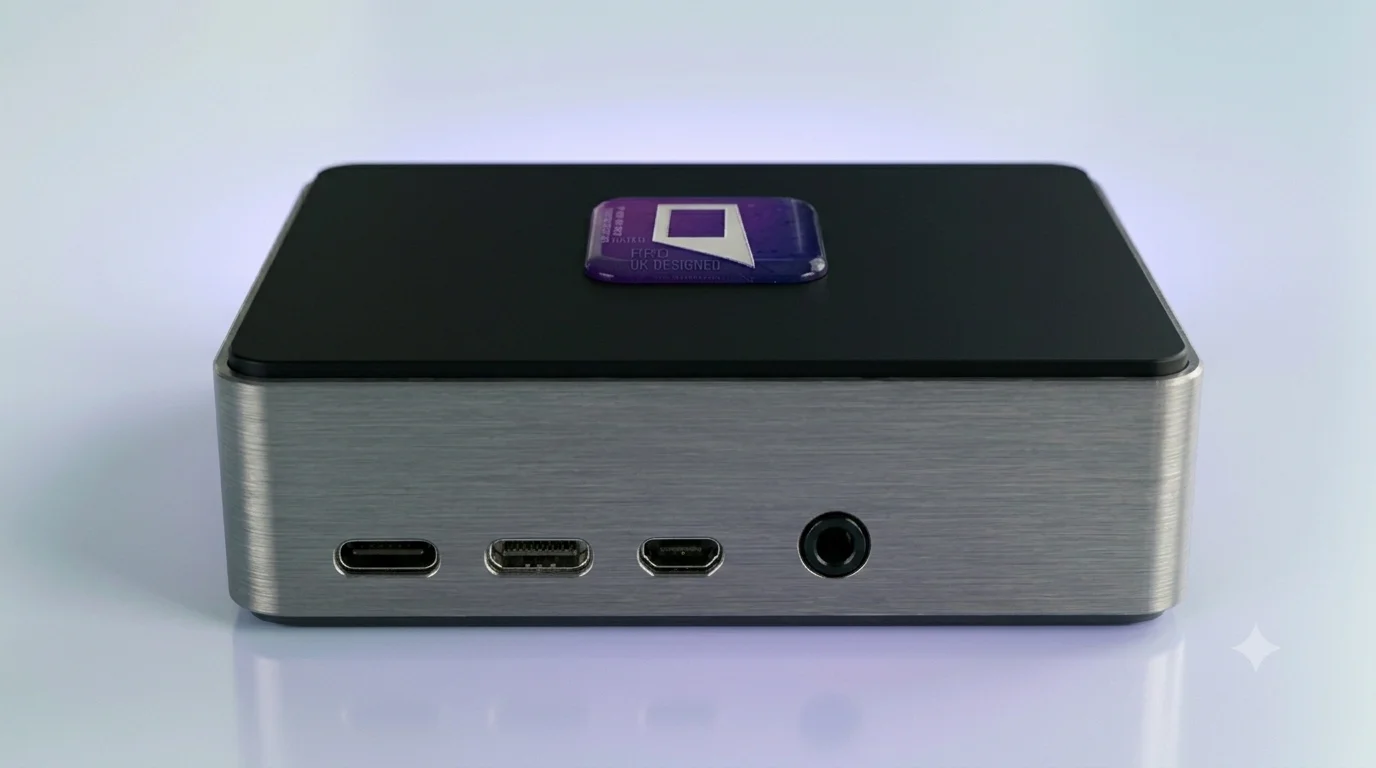
Or skip step one with Pixie.
Our own media player, with everything pre-installed. Plug it into any display, pair it once, and manage it from the same place as everything else.
Get Pixie →Install & pair
Install the player on your device, or power up a Pixie. Enter the pairing code shown on screen.
Add content
Build a page, drop in apps and live data, or upload media, all from the Lumicast dashboard.
Assign to displays
Push to one display or your whole network. Update anytime and every screen stays in sync.
Set up your first display today.
Free to start, no payment details required. Pair a device in minutes.