
Playlists have a new Overlays section for pages that stay on top of every item, such as a logo bar or a news ticker. Add an overlay page for each aspect ratio you use; every display shows the one that fits it.
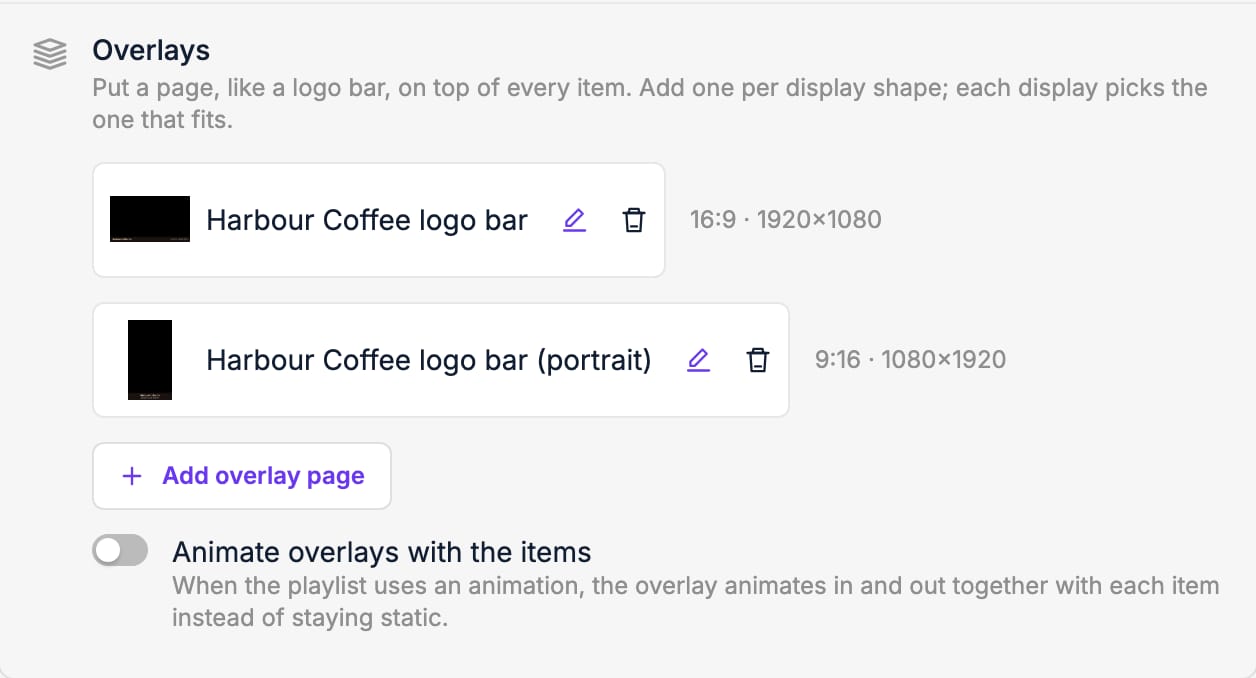
To keep a full-screen video clear, turn on Hide playlist overlay on this item under Edit item. With Animate overlays with the items, the overlay moves in and out together with each item.