
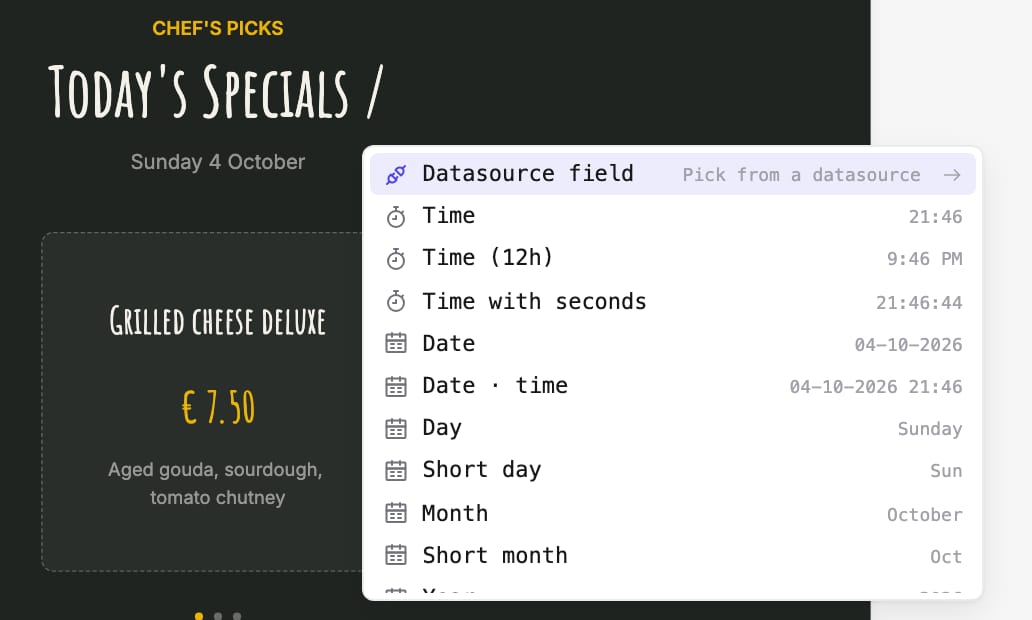
In the page editor, type / in a text layer, or click Add dynamic data, to insert live values into your text: a data source field, the time or date, a countdown, a greeting that follows the time of day, weather details, or the name of the display, workspace or organisation. Each value appears as a chip; click it to change its format.
Colours can also follow a data source field, with a fallback colour, and an image layer can take its picture from a data source column.