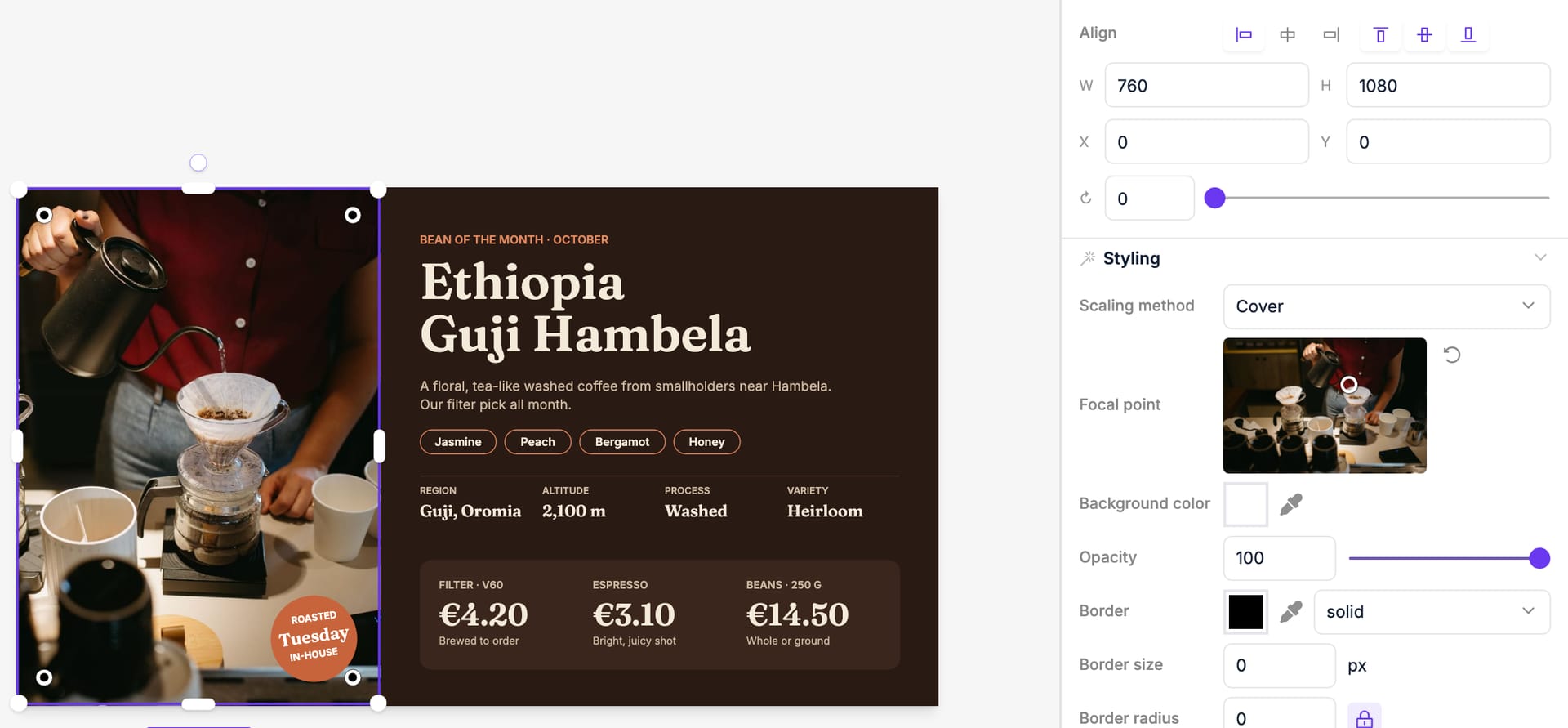
An image on a page with Scaling method set to Cover fills its frame, so its edges may be cropped. Under Focal point, click the part of the photo that matters, such as a face or a product, and it stays in view whatever the frame's shape. Reset to center undoes it.
Photos taken on a phone also keep their orientation now: thumbnails no longer come out sideways and portrait photos stay sharp. This applies to photos uploaded from now on.