
Organisation admins find every display in the organisation under Organisation → Bird's Eye View in the settings. Click a status, uptime range, workspace, player version, platform, resolution or the content on screen to narrow it down; the counts, the uptime chart and the display tiles update together. Hover over a display to see its details.
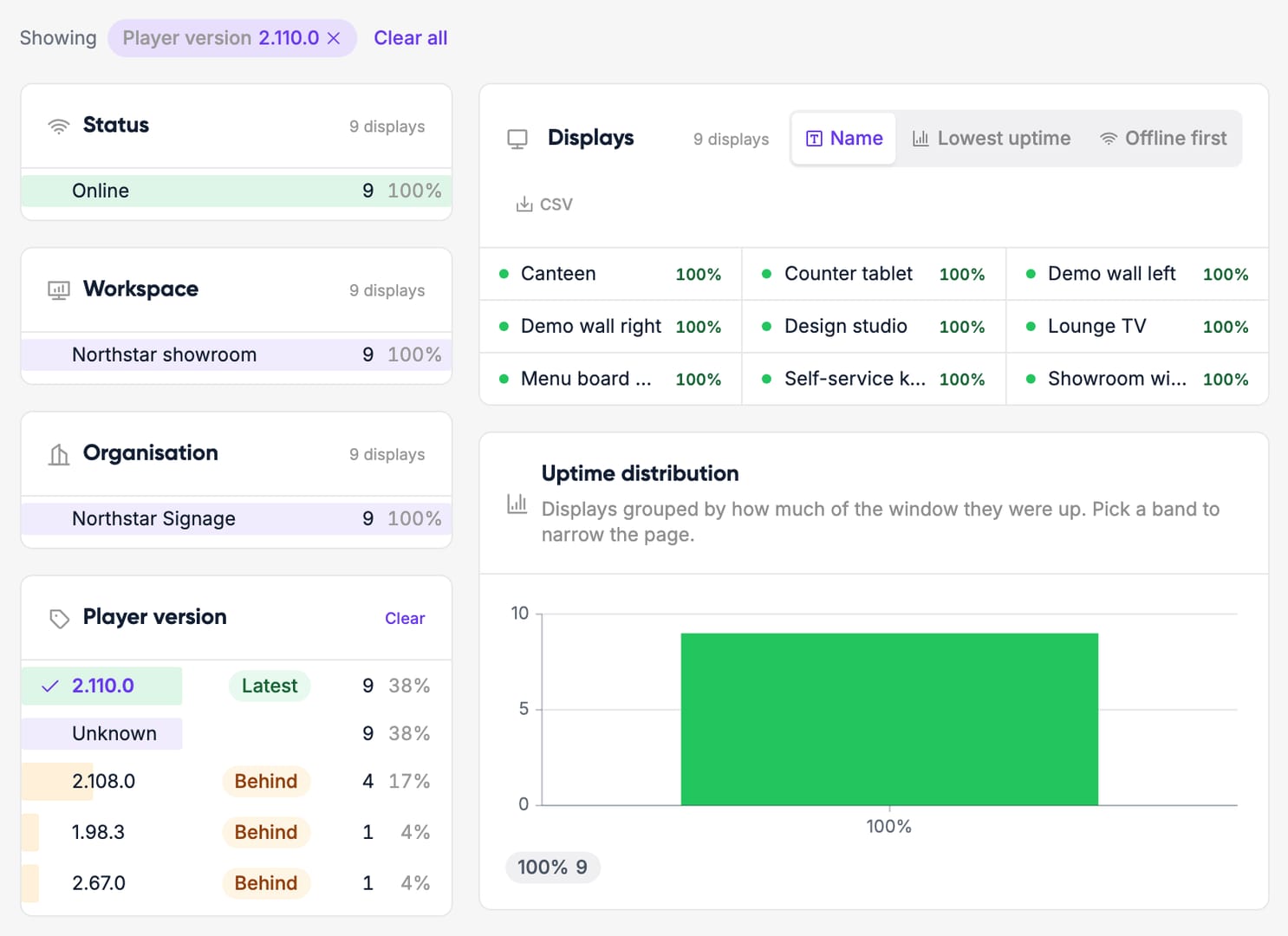
The filter is part of the link, so you can share a filtered view with a colleague, and the displays you filtered can be downloaded as CSV. The Users tab lists everyone in the organisation with their access and when they were last active.